Each Businessmap account is assigned a unique URL, such as
subdomain.businessmap.io or
subdomain.kanbanize.com. In both cases, the subdomain corresponds to your company’s account name. Please enter your subdomain in the field provided above.
To get your API key, click on My Account in the upper-right corner of the screen. In the dropdown menu that appears, select API. Then copy the key shown there and paste it into the field above.
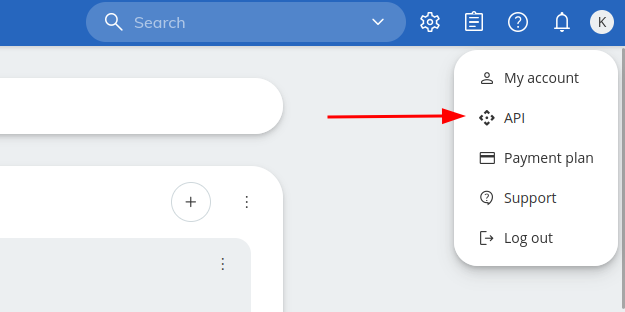
(click image to zoom)
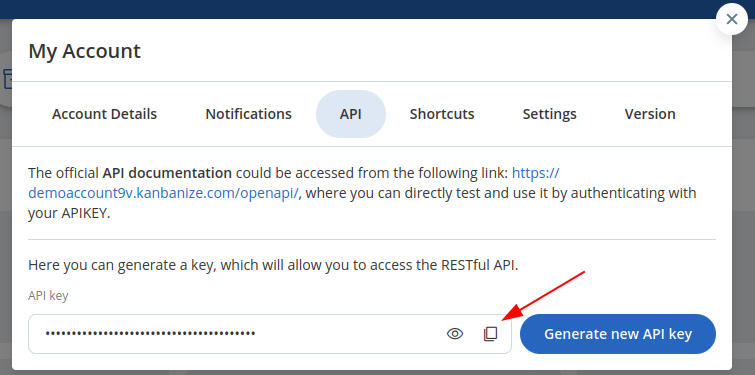
(click image to zoom)
